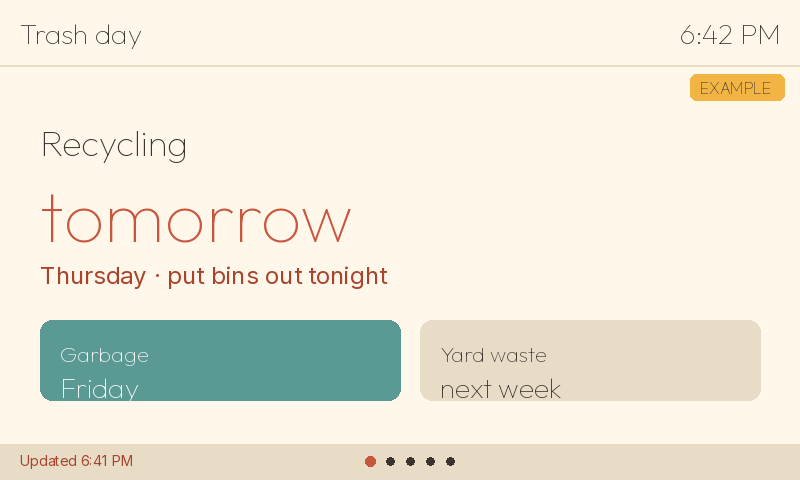
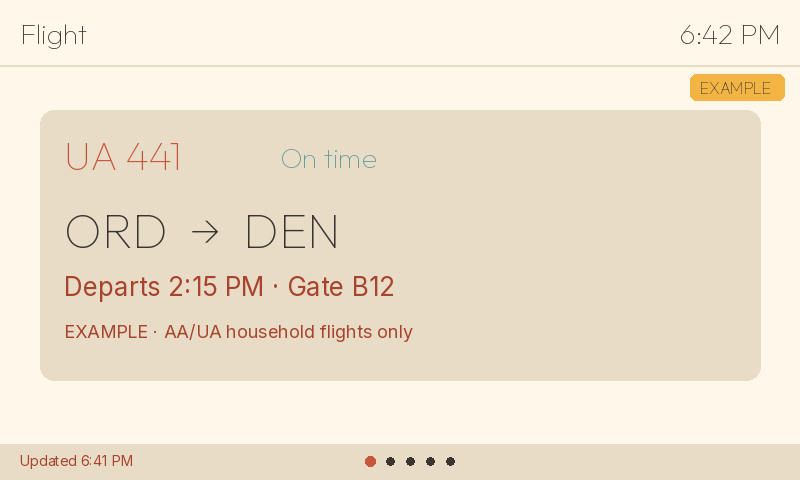
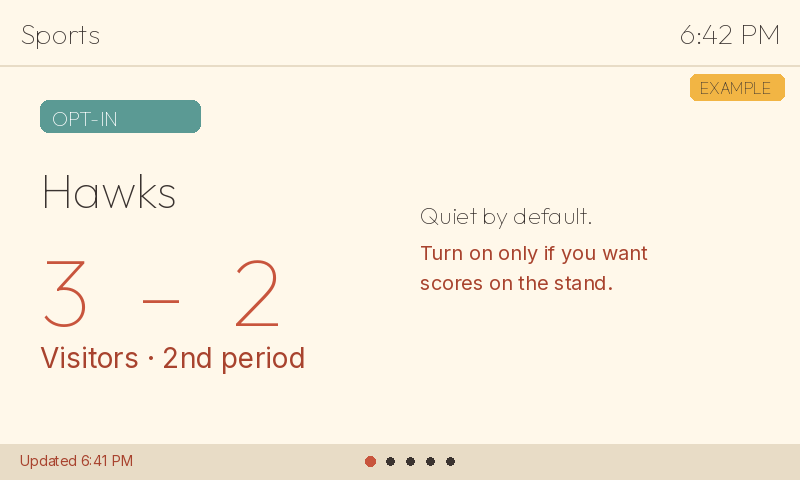
Your board already shows trains, the time, and the weather. Add the extras you want, and it rotates through them at a glance.
1 · Pick extras
2 · Board rotates (tap to skip)
3 · Quiet at night
Always included
CTA arrivals
Chicago clock
Weather home
Near-door / commute
A few facts before you head out.
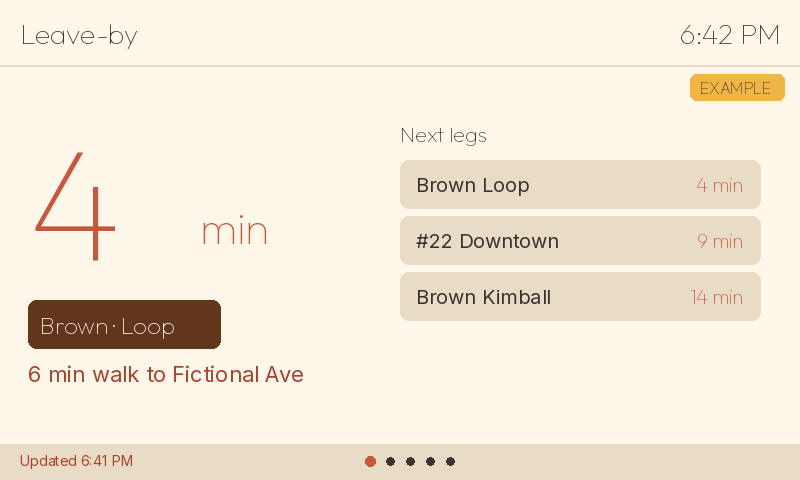
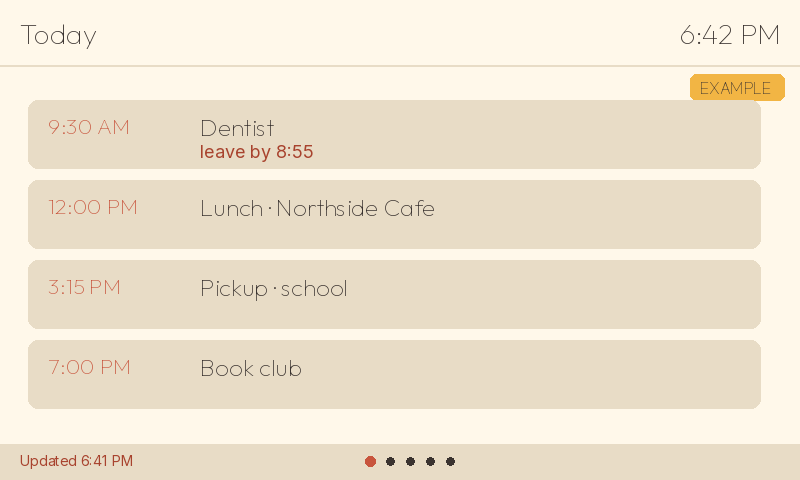
Leave-by
What you see: Minutes until you should leave, the line to catch, and the next legs.
When it shows up: Before the trips you ride, in the same rotation as arrivals.
Quiet by default: Yes. It takes a turn, then the board moves on.
Both
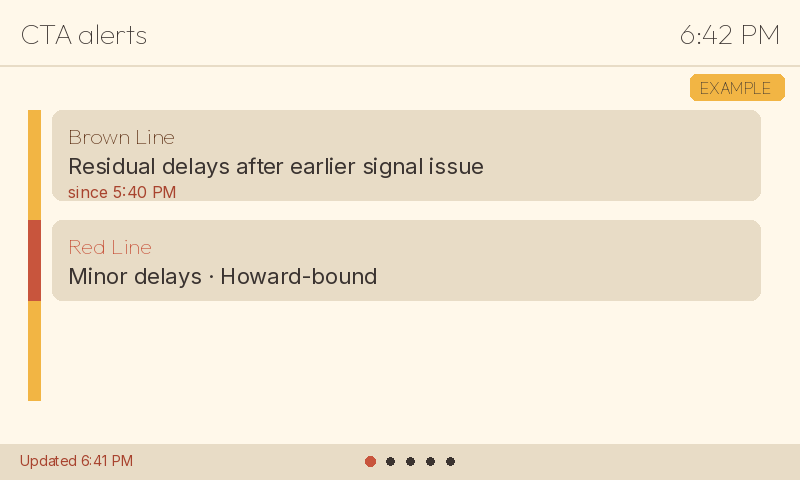
CTA alerts
What you see: One delay or service note, not a feed of every alert.
When it shows up: When something on a line you watch is off.
Quiet by default: Yes. A single line, then it yields to the next screen.
Both
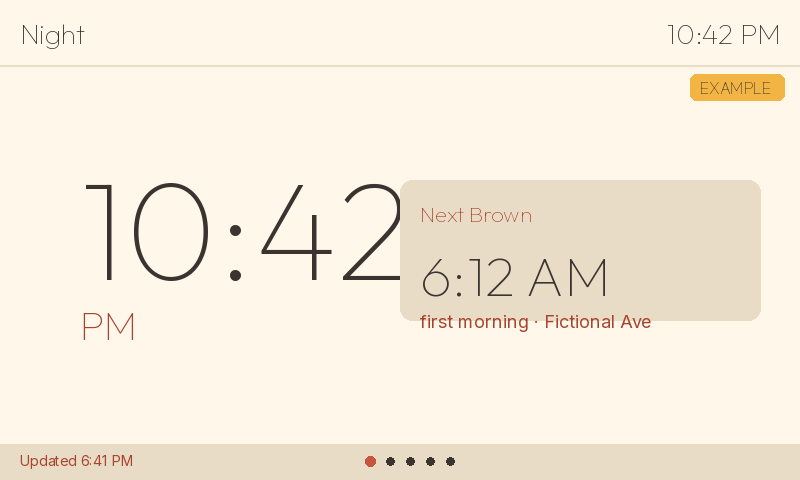
Night clock
What you see: The time, dimmed, plus the first trip in the morning.
When it shows up: During the quiet hours you set.
Quiet by default: This is the quiet screen.
Both
Favorites9:04 PM
Home to work · leave 7:42
Example
Favorites
A few saved trips with the next time to leave.
Both
Metra peek9:04 PM
Next 7:51 · track 2
Example
Metra peek
The next couple of trains at a stop you name.
Both
Divvy nearby9:04 PM
Example dock · 6 bikes · 4 docks
Example
Divvy nearby
Bikes and open docks at the closest station.
Both
Last train home9:04 PM
Last trip home · 12:48 AM
Example
Last train home
One last departure, large enough to read across the desk.
Both
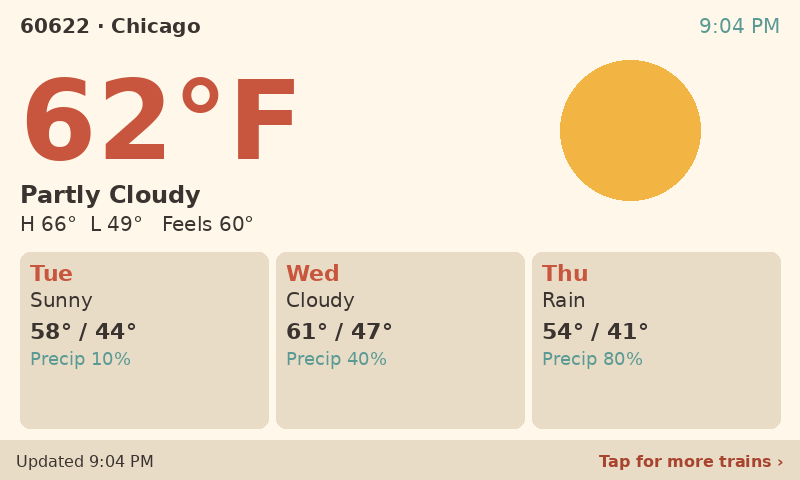
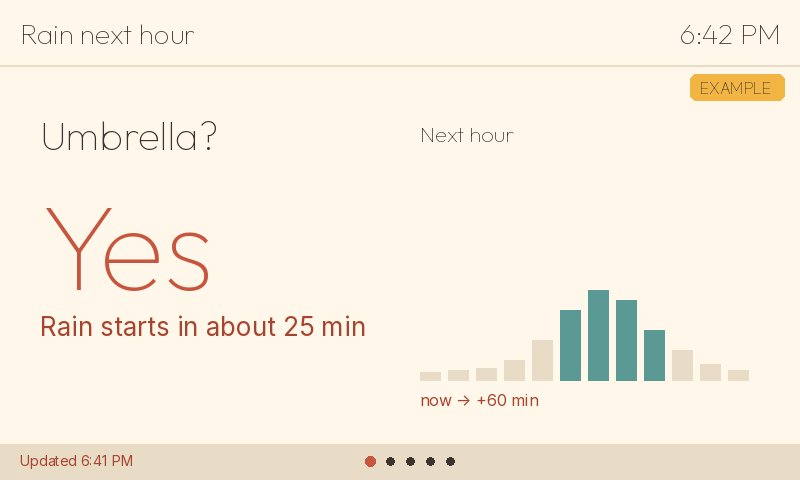
Weather / outdoors
What the sky is doing, in one glance.
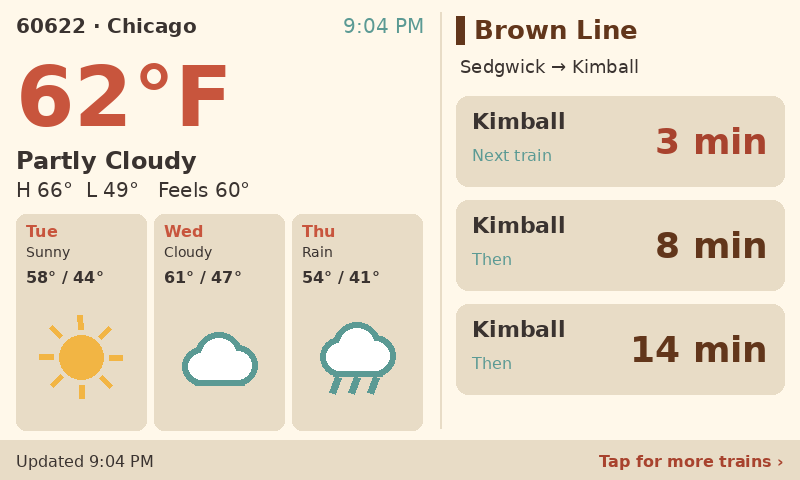
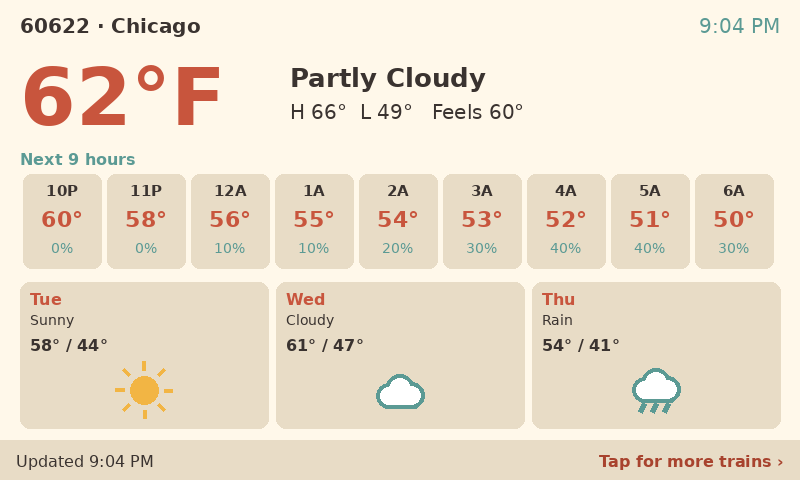
Weather home layouts (Waveshare)
On the 4.3 in board you pick one of these three. The compact S-class board does not use A, B, or C. It keeps a single 3-day weather look. Every mock is an example.